IT & Security Teams2026-10-23T21:13:17+02:00

Hardware Authentication for IT and Security Teams

Your team’s credentials are your biggest attack surface.

Reused passwords, authenticator apps on personal phones, shared admin accounts with no audit trail – these aren’t edge cases, they’re the norm in most SME environments, and they’re consistently where breaches start. Seedkeeper PRO gives every employee hardware-backed authentication – passkeys, passwords, and offline 2FA – in one certified device, without a cloud dependency or a per-seat subscription.

  • FIDO2 L1 Certified
  • EAL6+ Secure Element
  • 100% Open-Source
  • Zero Cloud Dependency
  • Microsoft Entra Compatible
  • Personalized in Belgium
Seedkeeper Pro - Illustration - Giveaway

Why IT and Security Teams
Choose Seedkeeper PRO

One Device That Replaces Three Security Dependencies

Most SME security stacks rely on three separate tools to cover authentication: a cloud password manager for credentials, an authenticator app for 2FA, and a security key for FIDO2 logins. Seedkeeper PRO consolidates all three into one certified hardware device per employee – generating and storing passwords, producing offline TOTP codes, and handling FIDO2 passkey authentication without a cloud dependency at any layer.

FIDO2 Certified and Microsoft Entra Compatible – No Proprietary Lock-In

Seedkeeper PRO is FIDO2 Level 1 certified by the FIDO Alliance, enabling native compatibility with FIDO2 identity platforms like Microsoft Entra. There are no proprietary integrations to configure, no vendor-specific protocols to support, and no lock-in to a single identity provider. If your organization already uses Entra or another FIDO2-compatible IAM platform, Seedkeeper PRO works with it out of the box.

Zero Cloud Dependency – Nothing to Breach, Nothing

There is no cloud server behind Seedkeeper PRO. Credentials are generated, stored, and used entirely within the device’s EAL6+ certified secure element – no vendor infrastructure to breach, no remote management surface to harden, no subscription service that could go offline. For IT teams managing their own security posture, removing a centralized credential vault from the attack surface is one of the highest-value architectural decisions available.

The Credential Problems Your Team
Is Managing Right Now

Seedkeeper Pro - Illustration - Paper risk

Shared Admin Passwords With No Audit Trail

Shared admin credentials – passed around in chat, stored in a spreadsheet, reset every time someone leaves – are one of the most persistent and underaddressed risks in SME environments. When a password is shared, it can’t be attributed, can’t be revoked cleanly, and can’t be audited. Seedkeeper PRO gives each team member their own hardware device with their own credentials, so access is individual, attributable, and revocable.
Seedkeeper Pro - Illustration - Phone danger

Two-Factor Authentication on Personal Phones is Weak

When 2FA lives on an employee’s personal phone, the organization has no visibility into it, no control over it, and no recovery path if that phone is lost, broken, or handed back on the last day of employment. Hardware-based offline TOTP on a dedicated device solves all three problems simultaneously – authentication is on a device the organization issued, not a personal phone the organization can’t touch.

Seedkeeper Pro - Illustration - Phishing resistant

No Hardware 2FA Enforcement Across the Team

Software-based 2FA is better than nothing, but it’s still phishable – a convincing fake login page can capture both a password and a TOTP code in real time. FIDO2 passkey authentication on a certified hardware device is phishing-resistant by design, because the cryptographic challenge is bound to the legitimate website’s domain. Enforcing hardware-based FIDO2 across your team removes an entire category of attacks.

Seedkeeper Pro - Ring shot

Offboarding Gaps When an Employee Leaves

When an employee’s credentials live on their personal device or in a personal cloud account, offboarding is a manual, incomplete process – you revoke their access where you know about it, and hope you’ve covered everything. When credentials live on a hardware device the organization issued, offboarding is a physical act: collect the device. The credential leaves with it.

How Seedkeeper PRO Fits Into Your Existing Stack

For organizations already using Microsoft Entra, Seedkeeper PRO slots in as a FIDO2-compatible hardware authenticator with no additional configuration beyond what Entra’s hardware security key policy already supports.

Seedkeeper Pro - Illustration - Hardware security devices

Deployment and Onboarding

Seedkeeper Pro - Illustration - Setup time
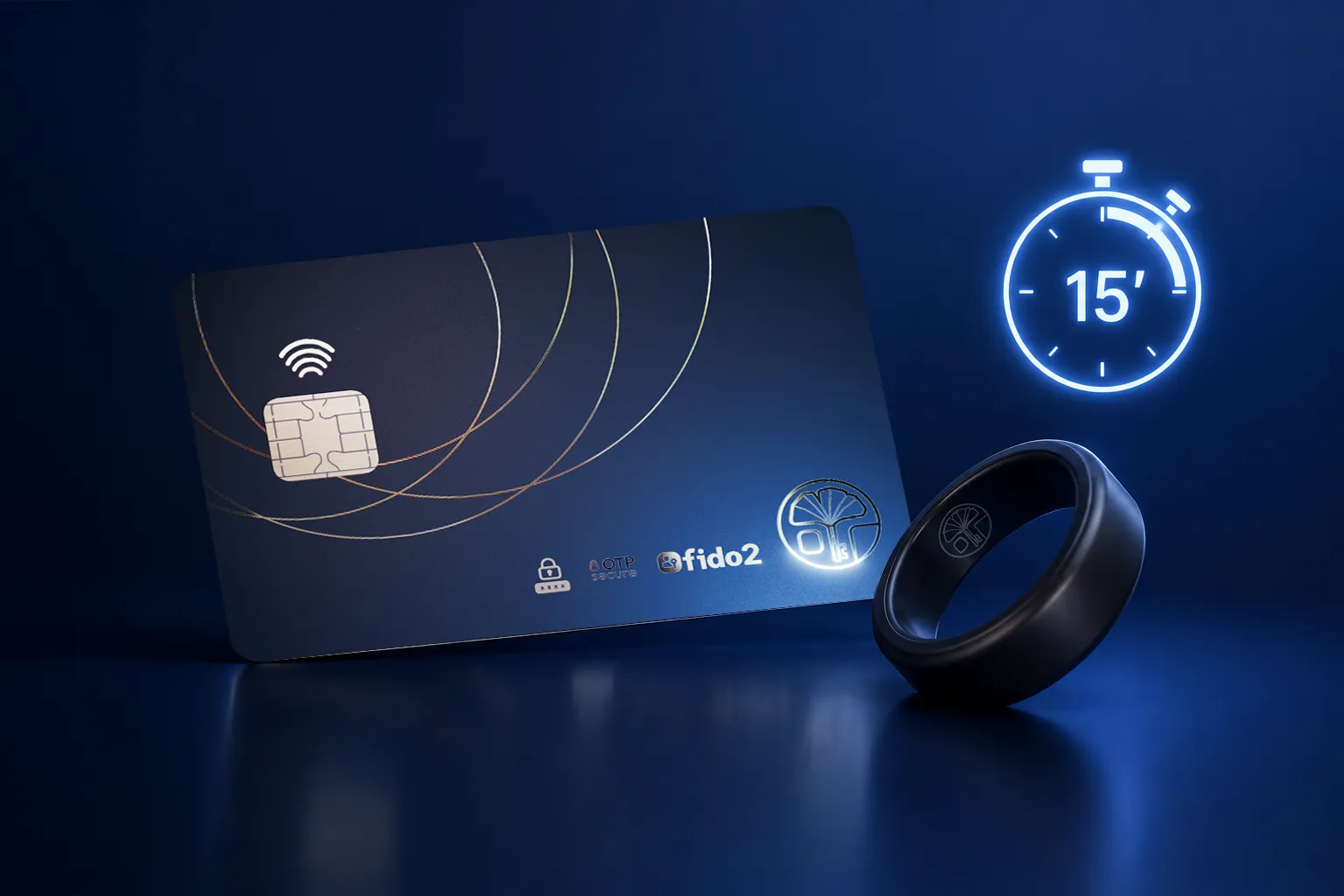
Individual Setup in Under 15 Minutes

Each Seedkeeper PRO device is set up individually using the companion mobile or desktop app – no central server, no IT-side provisioning infrastructure required. A team member taps their device, sets their PIN, and begins importing or generating credentials. End-to-end setup takes under 2 minutes per device.

Seedkeeper Pro - Illustration - Backup
Encrypted Device-to-Device Backup

Every Seedkeeper PRO device should be paired with a backup device from day one. Backup is performed via encrypted device-to-device communication between two compatible Seedkeeper devices – a process that takes only a few taps and never exposes secrets outside the secure element at any point during the transfer.
Seedkeeper Pro - Illustration - Doc
Deployment Documentation

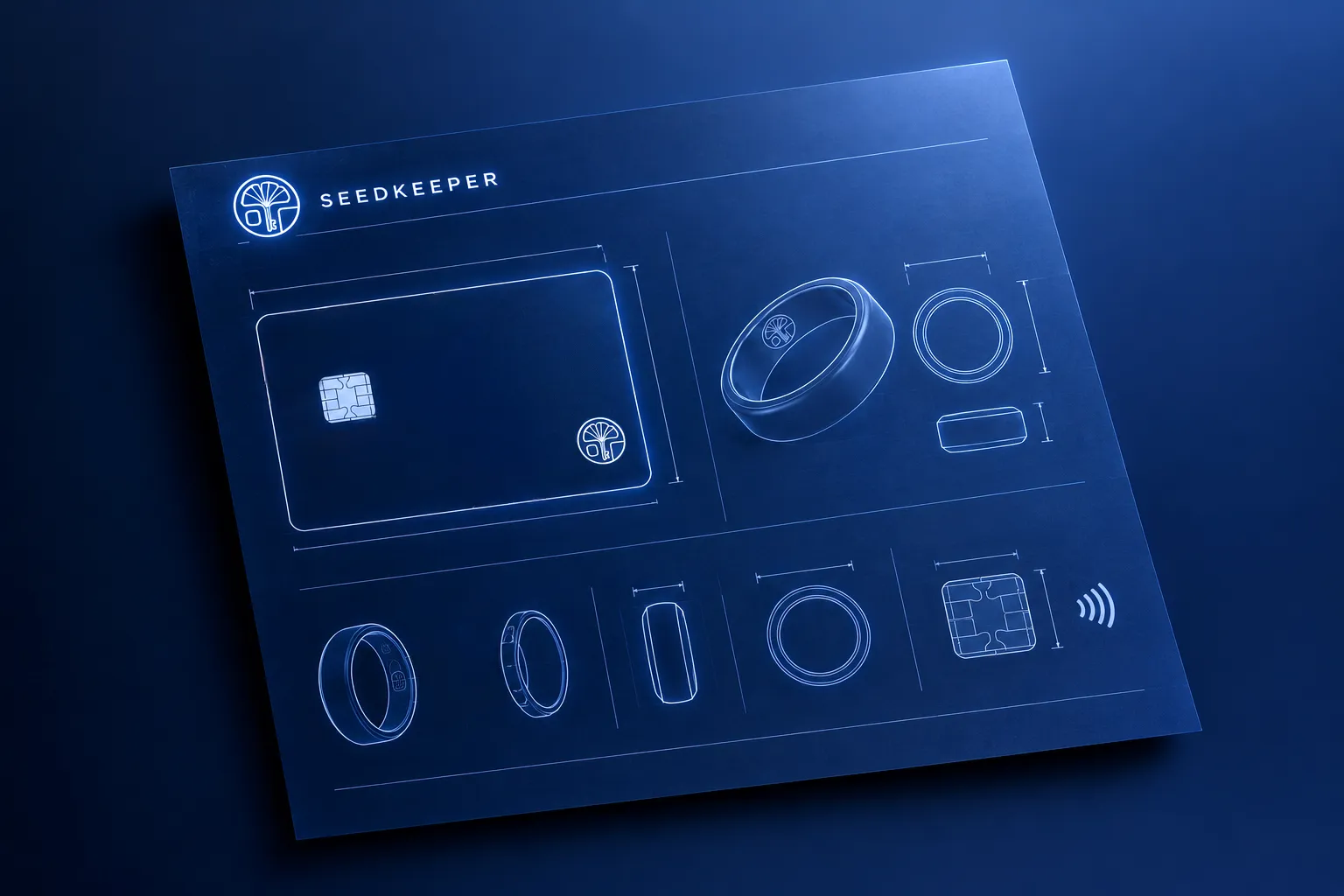
A full deployment guide covering team rollout procedures, backup configuration, and Microsoft Entra integration is available as a downloadable PDF. Organizations requiring deployment guidance before publication are welcome to book a 1-1 call with our team.

Trusted by IT and Security Teams Across Europe

Seedkeeper Pro - Logo - Hodling

Swiss crypto security specialist deploying Seedkeeper PRO for clients managing high-value digital asset credentials and recovery phrases.

Seedkeeper Pro - Logo - Eventus Sistemi

Central European IT security integrator distributing Seedkeeper PRO as part of their hardware authentication offering to SME clients.

Seedkeeper Pro - Logo - Belgian Local Administration

Piloted Seedkeeper PRO for employee authentication into internal and citizen-facing web applications, replacing password-based login with phishing-resistant FIDO2 authentication.

Seedkeeper Pro - Logo - Belgian IT Security Firm

A growing network of Belgian cybersecurity consultancies deploying Seedkeeper PRO across SME client environments in Belgium and the Netherlands.

Frequently Asked Questions
Seedkeeper PRO for IT & Security Teams

Is the source code auditable by our internal security team?2026-06-30T14:02:38+02:00

Yes – no purchase, NDA, or vendor relationship required. Seedkeeper PRO’s firmware and companion app are fully open-source and publicly available online.
Your internal security team can audit the complete codebase at any point, before or after deployment, independently of any commercial relationship with Seedkeeper.

Does deployment require cloud infrastructure or a central server?2026-06-30T14:02:01+02:00

None. Seedkeeper PRO operates entirely offline; there is no cloud server, no central provisioning infrastructure, and no network dependency required for deployment or ongoing operation.
Each device is set up individually using the companion app. Authentication, credential retrieval, and TOTP generation all happen locally inside the device’s secure element, with no data transmitted to any external server at any point.

What happens if an employee loses their device?2026-06-30T14:01:13+02:00

If a device is lost or stolen, access to its contents requires both physical possession of the device and the correct PIN – the device alone is not sufficient for authentication.
For credential recovery, Seedkeeper PRO’s encrypted device-to-device backup mechanism allows the employee’s secrets to be restored to a replacement device from their backup card, without ever exposing credentials outside the secure element during the transfer.
This is why configuring a backup device for every team member at onboarding is strongly recommended.

Is there a minimum order for business pricing?2026-06-30T14:00:34+02:00

Yes. Business pricing is accessible from a minimum order of 50 units, for both the Seedkeeper PRO smartcard and the NFC ring.
For smaller teams or initial evaluations, individual units are available to order directly from the website at standard pricing.
Contact our team to discuss volume requirements and receive a formal quote.

Does Seedkeeper PRO work with Microsoft Entra or other identity platforms?2026-06-30T14:00:03+02:00

Yes. Seedkeeper PRO is FIDO2 Level 1 certified, which means it is natively compatible with any FIDO2-compliant identity platform – including Microsoft Entra, which supports hardware security key authentication as a standard configuration option.
There is no proprietary integration required on either side. If your organization has already configured Entra for FIDO2 hardware key authentication, Seedkeeper PRO works within that existing policy today.

Equip Your Team With Hardware-Grade Authentication

Start with a single device. Scale when you’re ready.

Order a sample device directly from the website to evaluate Seedkeeper PRO in your own environment, or book a 1-1 call with our team to walk through deployment for your specific stack.

Seedkeeper Pro - Illustration - Call
Go to Top